
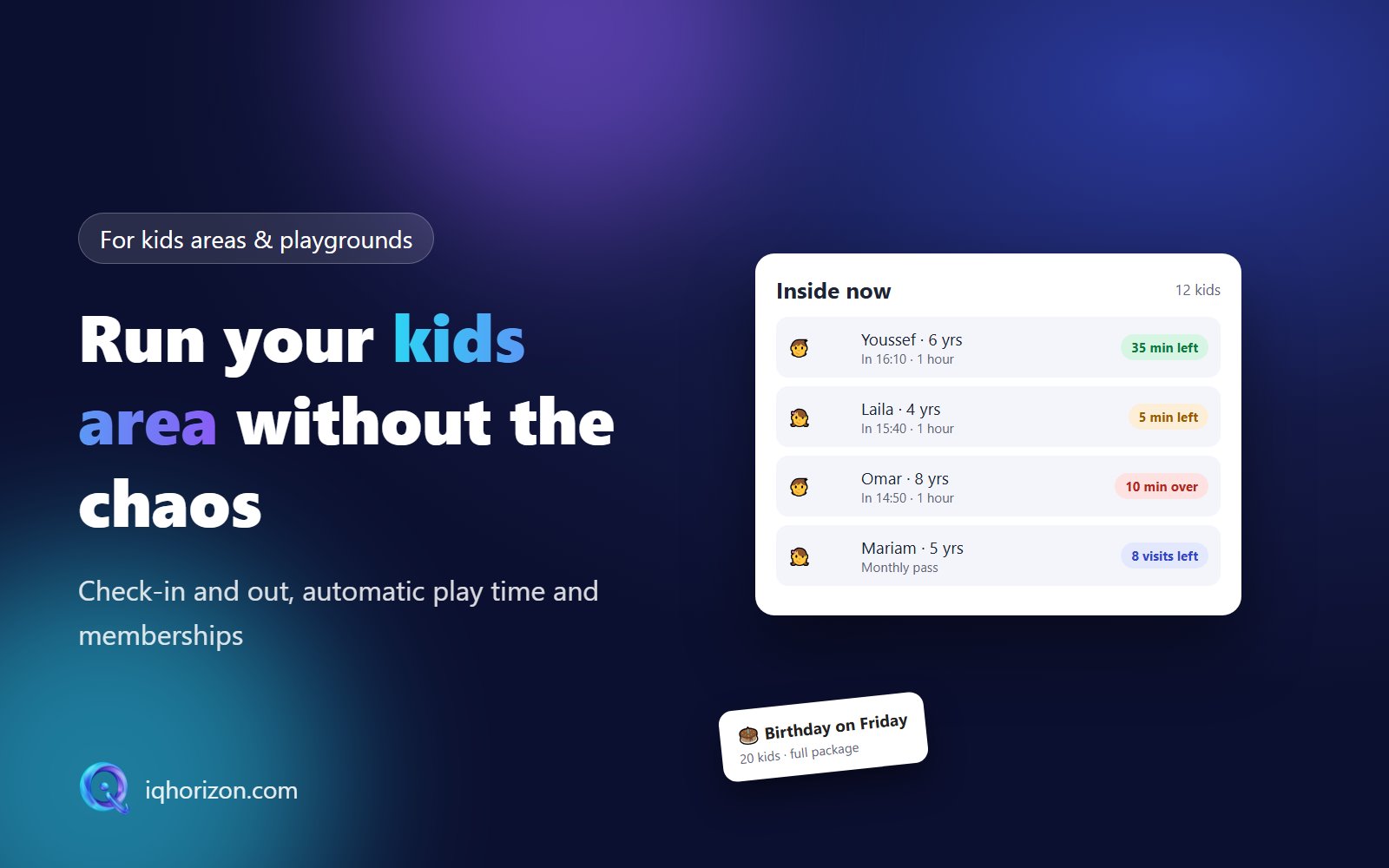
A kids area is fun to run but not easy to manage. At peak time you may have twenty children inside, each with a different start time and duration. At the end you need to know who stayed longer, who has a membership, all while parents are in a hurry.
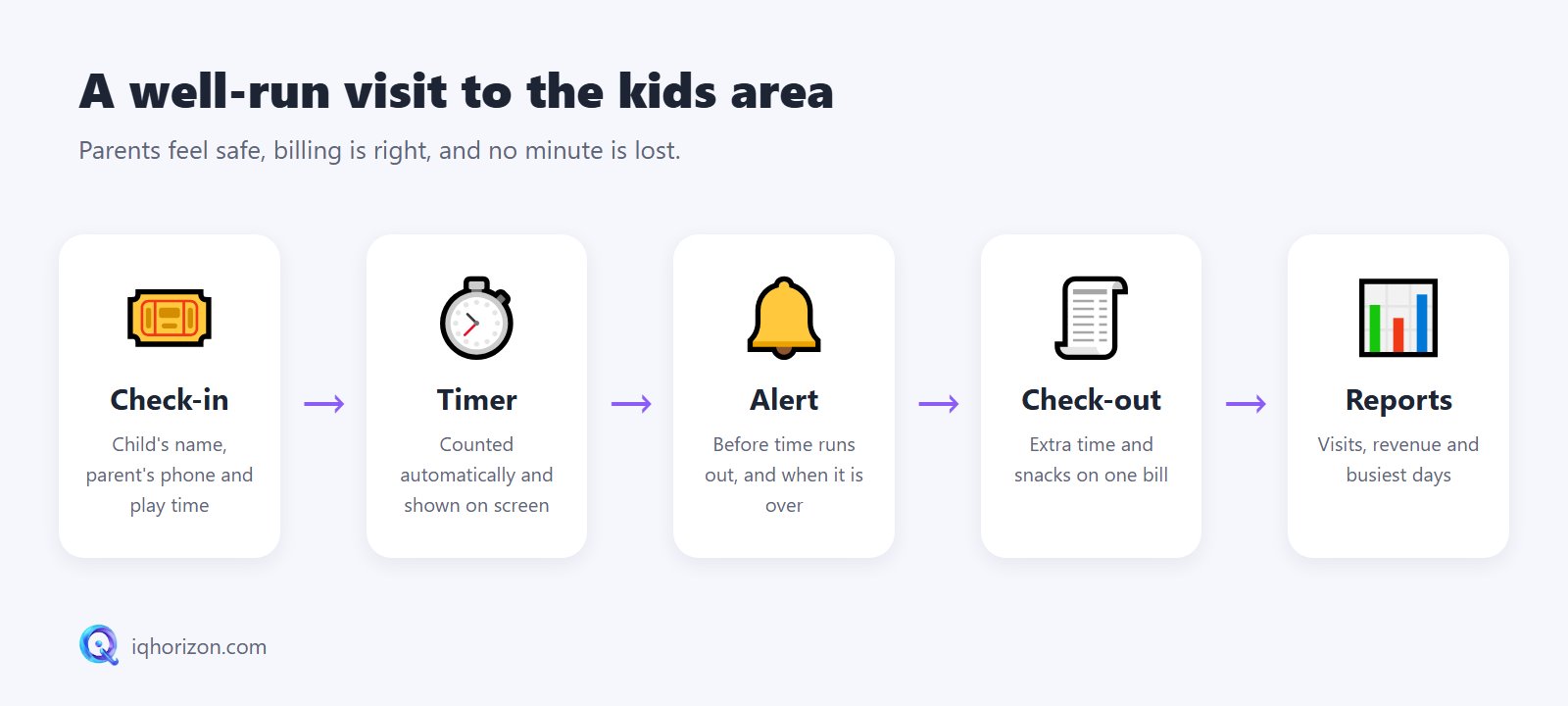
1. Fast check-in
Child's name and age, the parent's phone number and the chosen time. Returning children appear in a second, because parents do not like waiting at the door.
2. Play time counted automatically
No clocks or paper. Each child's remaining time is on screen, and extra time is calculated automatically at your price.
3. An alert before time runs out
Shortly before a child's time ends, staff see an alert, and the parent can be notified too. No surprises and no disputes over the bill.
4. Check-out and payment on one bill
Base time, extra time, drinks and snacks on a single bill. Safety matters too: a child leaves only with the registered parent.
5. Memberships and packages
Frequent visitors like monthly memberships or hour packages. The system counts remaining visits or hours and warns when a membership is about to end.
6. Birthday parties
Parties are a major source of income. The date, number of children, package and deposit are all recorded, with every upcoming party in one calendar.
7. Reports
Children per day, revenue, the busiest days and hours and the most popular package, so you can place offers on quiet days.
Tip: choose a system that is very easy for the front desk, because that is who uses it in the middle of the noise and the rush.
Summary
Kids area software keeps billing accurate, children safe and parents relaxed. Want to see it in action? Request a free trial or contact us.