
POS software is more than a screen that prints receipts. It is where every sale that comes into the shop and every item that leaves the stockroom is recorded. Choose the wrong one and you pay twice: once when you buy it, and again when you look for a replacement after your data is a mess.
So here are 10 questions to ask any vendor before you choose a POS system. If an answer is vague, it is probably not the right system for you.
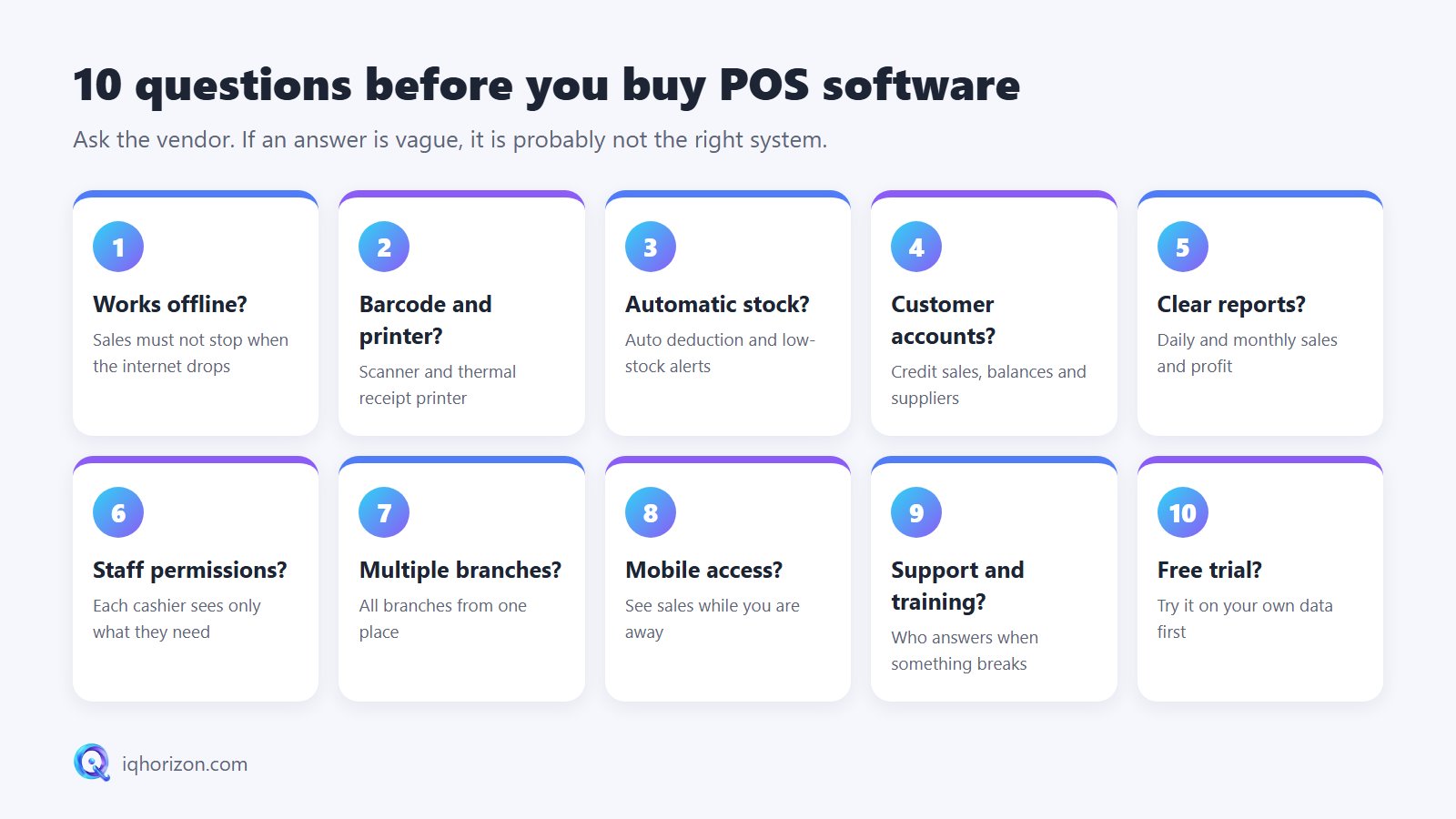
1. Does it work when the internet goes down?
Sales must never stop because the router is down. Ask: can I keep selling and printing receipts offline, and does the data sync automatically when the connection returns?
2. Does it support barcodes and receipt printers?
A barcode scanner saves time and prevents pricing mistakes, and a thermal receipt printer makes the shop look professional. Make sure the software works with common hardware and can print barcode labels for items that have none.
3. Is stock updated automatically?
Every sale should be deducted from stock automatically. Even better, the system should warn you when an item is running low, so you never lose a sale because it is out of stock. Ask how easy stock-taking is, too.
4. Does it handle customer and supplier accounts?
If you sell on credit or pay suppliers in instalments, you need to know who owes what, without notebooks. Check that the software can print a statement for every customer and supplier.
5. Are the reports clear?
What every owner wants to know is simple: how much did I make today, and what sells best? A good report answers that in seconds, without an accountant.
6. Can each employee have different permissions?
A cashier does not need to see profits, delete invoices or change prices without approval. Permissions protect your money and your honest staff.
7. Will it work for more than one branch?
Even with one shop today, choose software that can grow with you, so that a second branch can be followed from the same place.
8. Can I follow sales from my phone?
Seeing today's sales from home or while travelling gives real peace of mind. This is easy when the system is cloud based or syncs to a server.
9. Who supports me when something goes wrong?
The cheapest system can become the most expensive if it stops on a busy Friday and nobody answers. Ask about installation, training and support: phone, WhatsApp or a visit, and at what hours.
10. Is there a free trial?
Many people search for "free POS software". More important than free is being able to try it for free before you pay: add your real items, make a few sales, print a report and see whether you and your staff are comfortable with it.
The golden rule: never buy POS software until you have seen it working with your own shop's data, not a ready-made demo.
Subscription or one-time purchase?
Some systems are sold as a monthly or yearly subscription, others as a one-time purchase. A subscription lowers the starting cost and usually includes updates and support; a one-time purchase suits you if you want to own your copy. Either way, ask what is included in the price and what costs extra.
Summary
The right POS software is easy for the cashier, clear for the owner, works offline and has a company behind it that answers. Want to see this on your own items? Request a free trial or contact us and we will help you choose what fits your business.