Ready-Made Software or a Custom System? How to Choose for Your Company
Before paying for business software, understand the difference between ready-made software and a custom-built system, and when to choose each.

3 November 2026
In a gaming café money gets lost in small details: fifteen minutes nobody billed, a console switched to multi without changing the rate, or a tea and a bag of chips forgotten at the end of the night. With ten consoles running at once, paper and a wall clock can't keep up.
Here are 7 things to check before choosing a system for your PlayStation shop or gaming café.
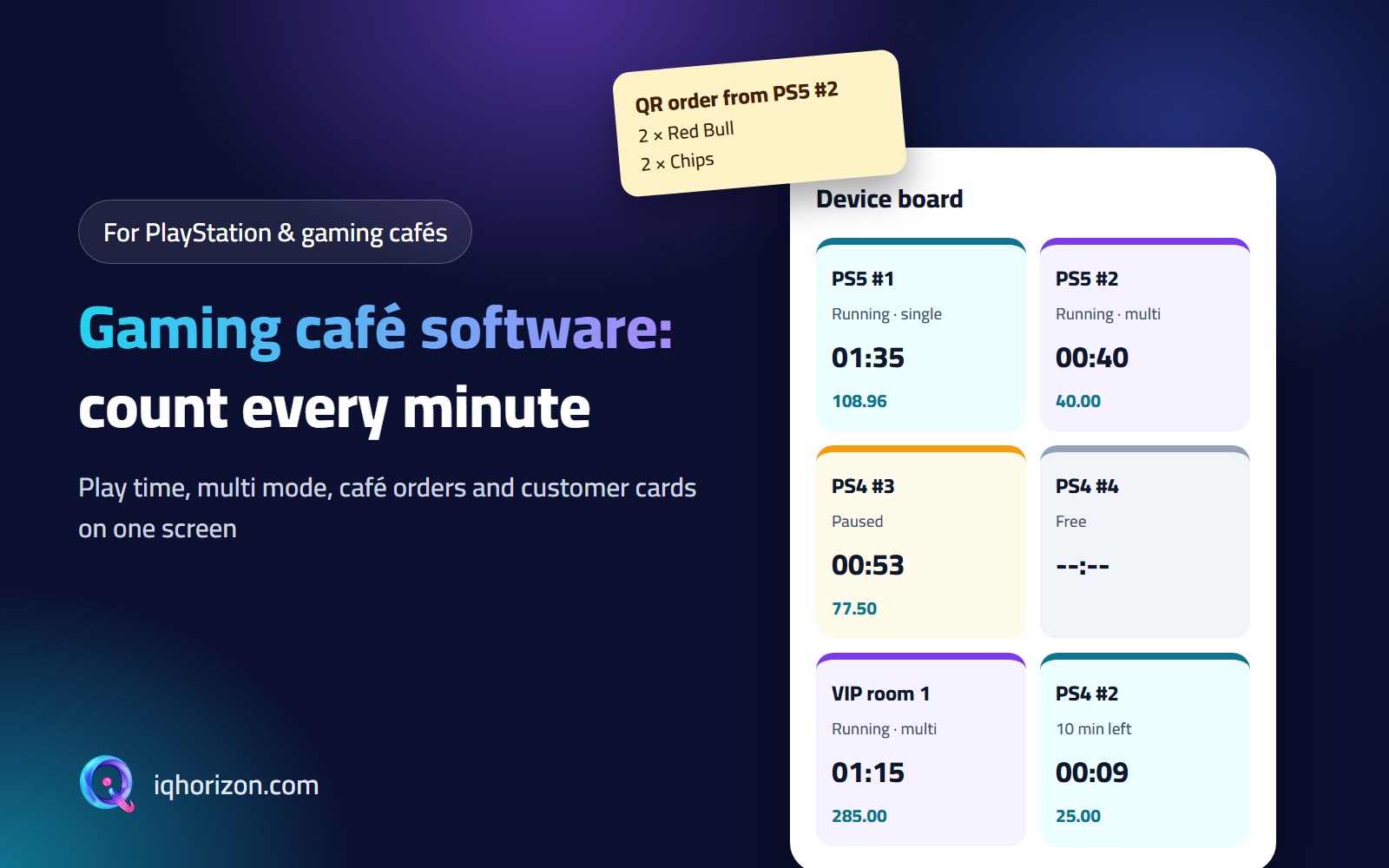
The moment you open the system you should see which consoles are running, which are free and which are about to finish, with each one's time and running bill. Colours help: running, paused, time up, waiting to pay. The cashier works from one screen instead of walking between consoles.
Multi costs more than single, and players may start single and switch to multi halfway. A good system charges each part at its own rate, adds a night rate if you have one and rounds the time, say to the nearest 5 minutes, so the bill is clear to the customer. VIP rooms get their own rate and a minimum charge.
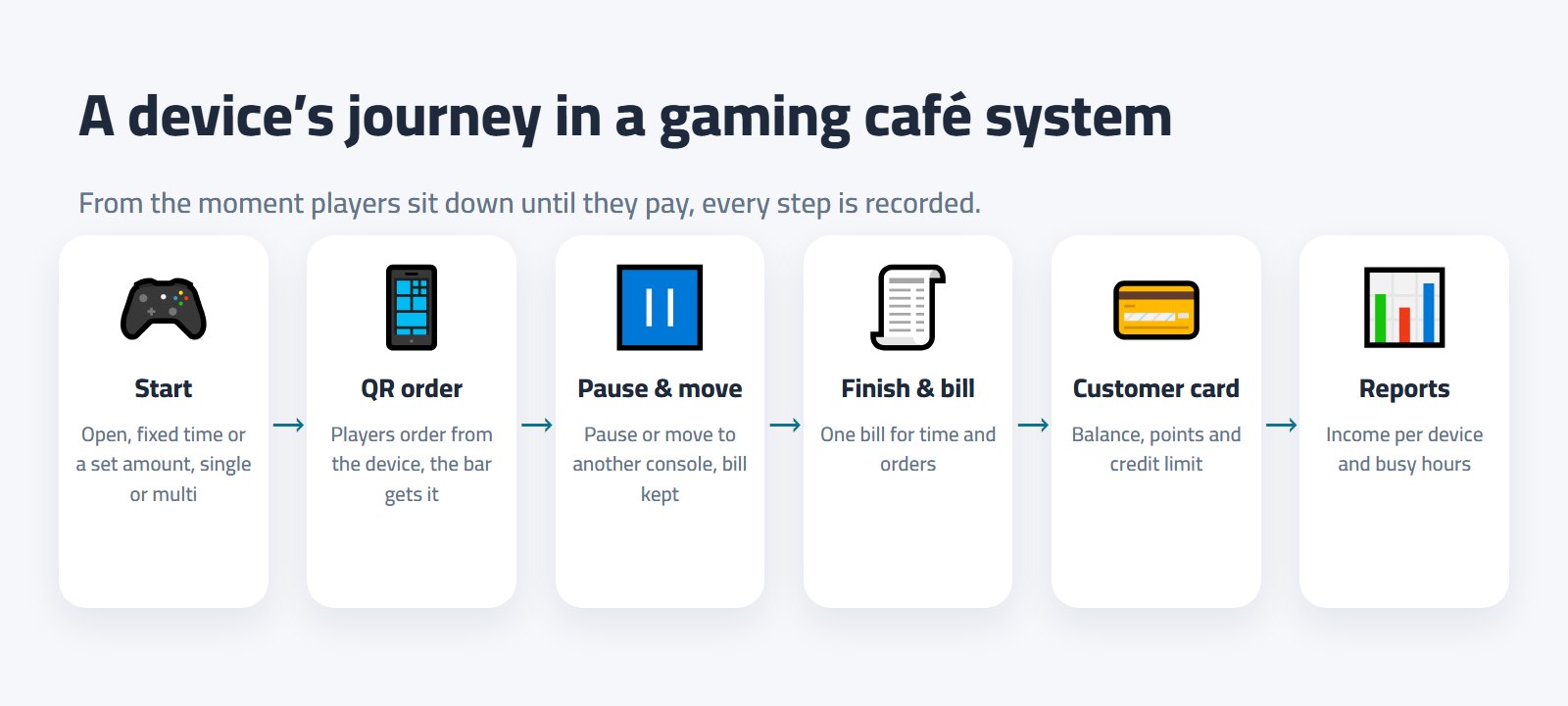
Some players want to play until they're tired, others have exactly 50 in their pocket. You should be able to start a console on open time, for an hour or for an amount, and get a sound alert when time is nearly up instead of watching the clock.
A controller dies, or a customer wants to move from PS4 to PS5. Pause stops the counter, and a move takes the time and orders to the new console at its rate. Without these the cashier ends up calculating on paper, and that's where mistakes happen.
The café brings in real money, but orders recorded away from the console get forgotten. The best fix is a QR code on every device: players order from their phone without getting up, the order reaches the cashier and the bar screen, and it lands on the console's bill. At the end there is one bill for time and orders.
Keep daily regulars with a card: they top up a balance and play from it, or get a known credit limit, and earn points on every bill that turn into credit. Top-ups go into the cash drawer on the shift like any other money, so the accounts stay clean.
Each cashier opens and closes a shift with the cash in the drawer. Reports show how many hours each console played, what it earned from time and from orders, its usage rate and your busiest hours. That's how you decide whether to add more PS5s or run a morning offer.
Tip: when you try any system, start a console in single, switch it to multi halfway, add a café order, pause it, move it to another console and then finish the bill. If the total is what you expected, the system will work for you.
A good gaming café system bills every minute at the right rate, puts time and café on one bill and gives you reports you can act on. That's exactly what we built into Controla, which runs on the shop PC without internet or online. Ask for a free trial and we'll show it to you with your own consoles.
Before paying for business software, understand the difference between ready-made software and a custom-built system, and when to choose each.
Instead of selling only your own products, build an online marketplace where many vendors sell and you earn a commission. How it works and what you need.
Want to launch a classifieds website for cars, property or everything? These are the features it needs and the ways it earns.